Product News: Purple DAM, Newsletter Expansion, Control Center & More
This quarter, we focused on three areas that can make a decisive difference in day-to-day editorial work: a fundamentally new asset management system, newsletter delivery entirely from within the Hub, and more reliable protection for paid content. Here are the most important updates in detail.


Purple DAM: New Media Management for All Customers
What is it?
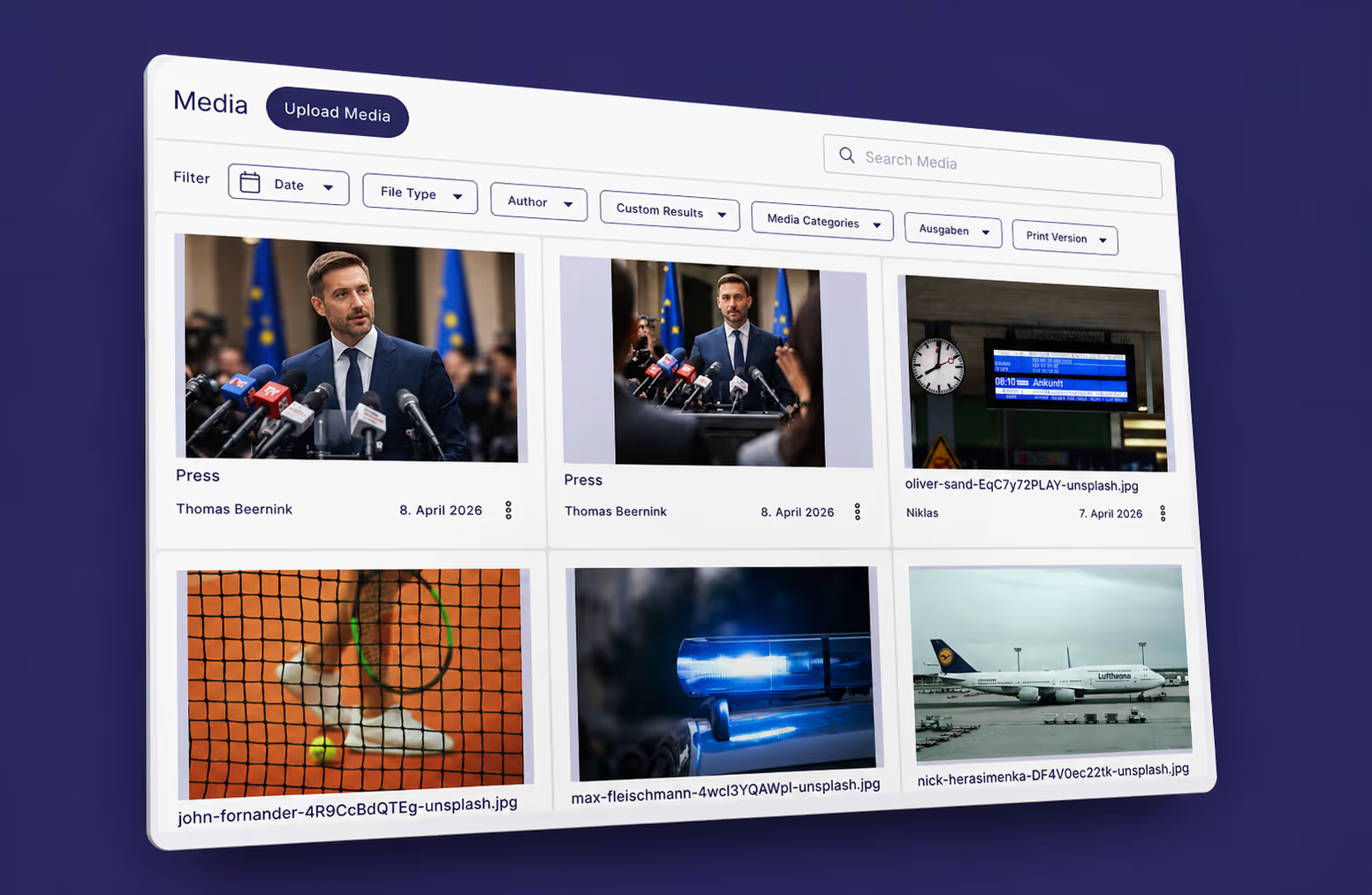
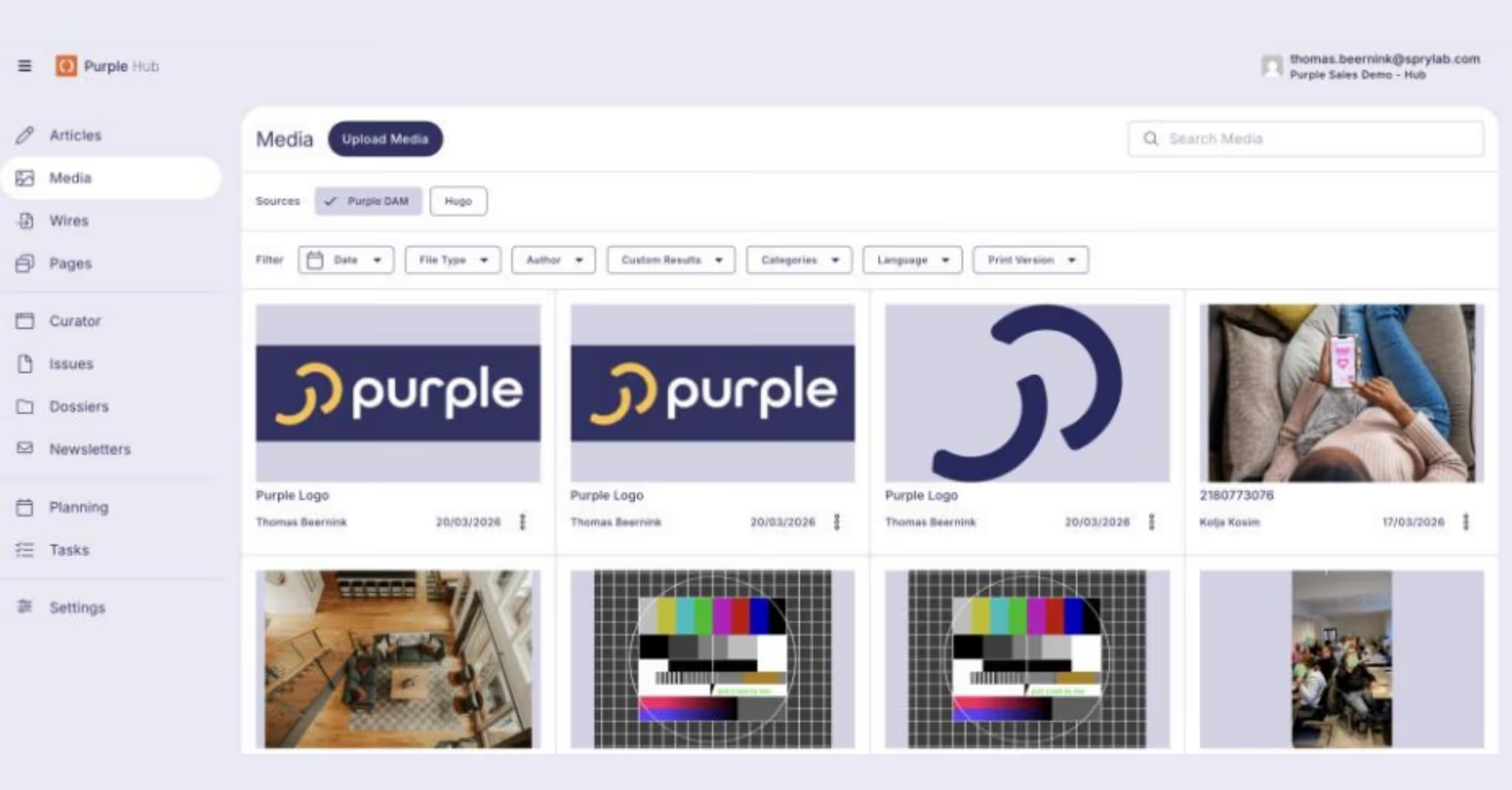
Purple DAM is our fundamentally redesigned media library. All media files are now displayed as clear cards, with improved navigation, multi-select functionality and full control over your media files. The DAM supports industry standards such as EXIF and IPTC data. All metadata is recognized and displayed directly upon upload.
Particularly relevant for print customers: the DAM now supports high-resolution print files. If you upload a Photoshop file, for example, the system automatically creates a webP version for your online articles. The original resolution is preserved and can be forwarded directly to print integrations. This means you can serve both online and print from a single media library.
The standard version of Purple DAM will be rolled out to all customers in the coming weeks.
Why is this useful?
Day-to-day work with existing assets becomes faster: better filters, clearer navigation, automatic print conversion. The previous disconnect between different resolutions and output channels is eliminated.
Purple DAM+: External Sources and Material Collections
What is it?
Purple DAM+ is the paid extension of the new DAM with two key features:
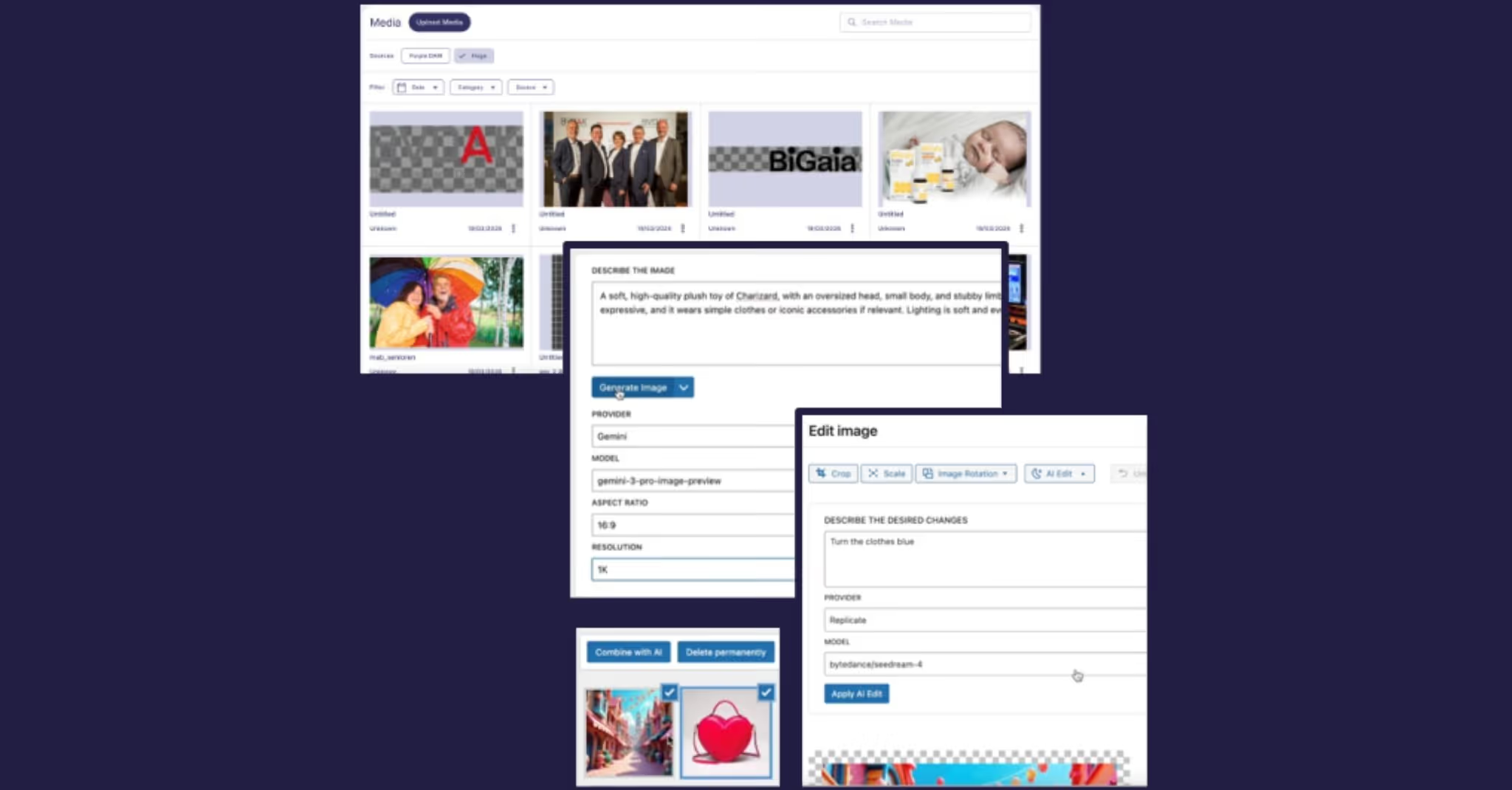
Connect external sources: You can browse external digital asset management systems directly within your Purple media library. Via the source selector in the DAM, you can see assets from the external system, filter by category and import images into Purple DAM with a single click. The connection between the original image and the imported file is preserved.
Material collections for articles (Target Article): A photographer can upload all images and documents from a photo shoot and assign them to a specific article. When the editor opens that article and inserts an image, they immediately see all assigned media without having to search through the entire library.
Why is this useful?
Editorial teams work daily with images from a wide range of sources: in-house photography, agency material, archive images, PR material. Previously, these sources had to be searched separately, downloaded and imported manually. With DAM+, you research and select images directly in the Hub, regardless of where they are stored. And with the Target Article feature, the handover of image material between photography and editorial is significantly simplified.
How to get started
For all details on Purple DAM+ and a personal demo, please contact our Account Manager Rafael Diz Simon.
Newsletter: Professional Emails Created Entirely in the Hub
What is it?
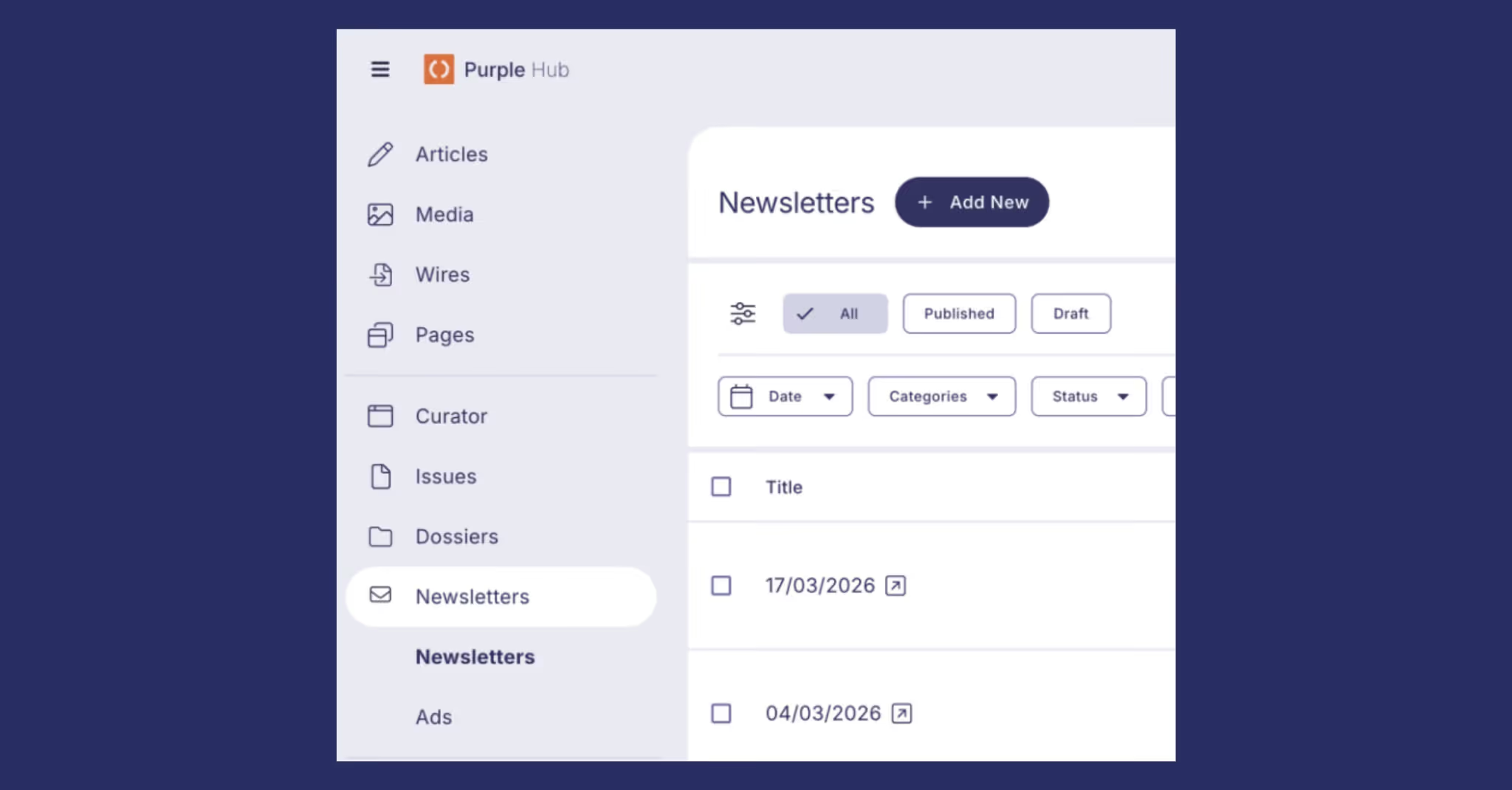
The newsletter module receives several enhancements: scheduled articles can now be included in newsletters, newsletters have their own menu item in the sidebar, styling has been improved and Maileon is now available as an additional German email provider alongside INXMAIL.
Also new is the Post Inserter Customization. The Post Inserter block, which inserts articles from your website into the newsletter, is now fully configurable: custom article layouts and templates, all Custom Post Types, multi-select and complex logic. For example, you can create a "Promoter" block. If an article has a sponsor, the sponsor logo and link are displayed automatically. Articles without a sponsor remain unaffected. All of this is done via customizable templates that you can configure yourself.
Why is this useful?
The key point: you no longer need to open the external email provider for editing. The complete newsletter is created in the Hub, including all links and content. The Hub retrieves the recipient list and sends directly. INXMAIL or Maileon serve only as the delivery channel. The constant switching between CMS and newsletter tool is eliminated.
How to activate it
Implementation and integration with your email provider can be requested via your Account Management or our Support Helpdesk.
Content Security: Reliable Protection for Paid Content
What is it?
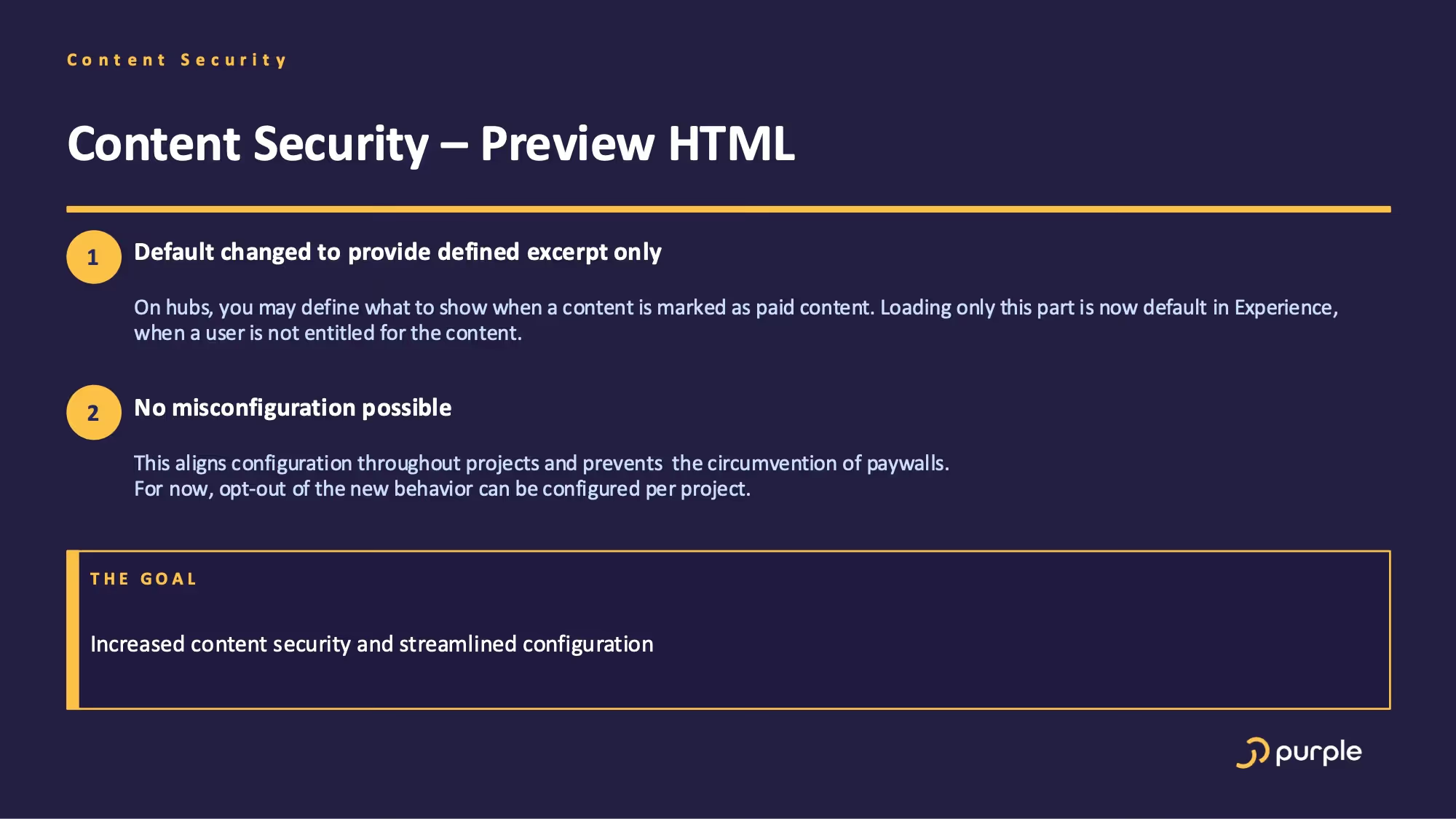
The default configuration for paid content in Purple Experience has been updated. For content marked as paid, only the preview area (excerpt) defined in the Hub is now delivered to unauthorized users. This setting is now the default in every Experience.
Why is it useful?
In the past, certain configurations could result in the full HTML content being delivered to the browser, even when the user did not have a subscription. The new default setting closes this gap across all projects.
How to activate it
The new setting takes effect automatically. A per-project opt-out is available for the transition period, allowing you to complete the migration at your own pace.
Control Center: Centralized Tools for Admins
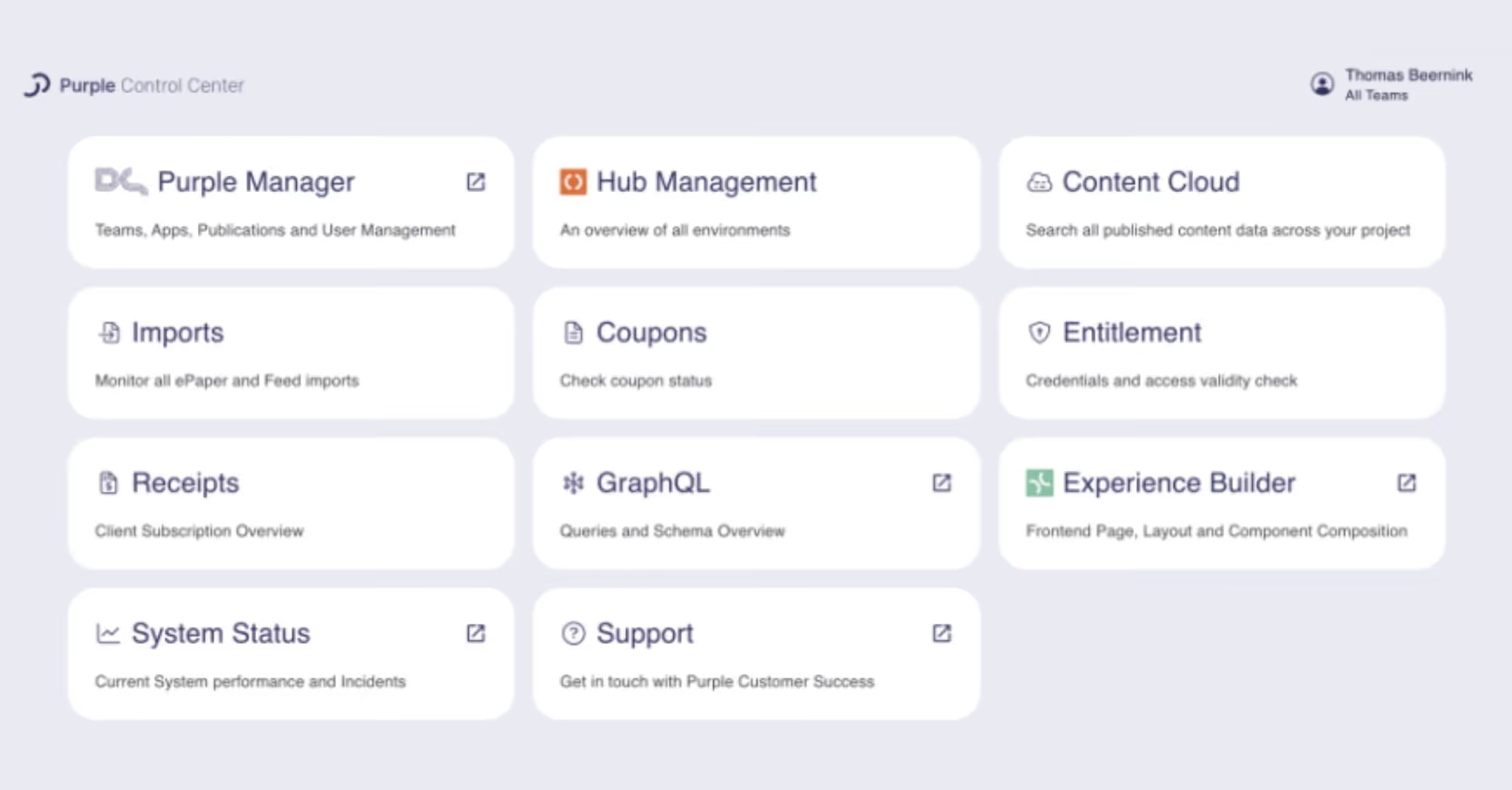
The new Purple Control Center consolidates all administrative tools in one place: app management, Content Cloud, imports, coupons, entitlement, system status. Previously, these tools were spread across different URLs. The Control Center is accessible with your existing Purple login credentials and is designed for administrators.
Further Improvements at a Glance
In addition to the major updates, we have refined the following areas:
- Simplified Prompts dialog: The "Rewrite Article" dialog has been redesigned, showing the original article on the left and the AI-generated changes on the right. You can also find 75 prompt ideas for inspiration in our documentation.
- Wires, automatic article updates: Purple Wires can now be configured to automatically update articles when the source article at the news agency has been modified. Important: if you have already manually edited the imported article, your changes will be overwritten.
- Related Articles as standard functionality: A new "Similar" tab automatically displays articles from your Hub that are similar in content. This feature was previously only available as part of Purple Growth and is now standard for all customers.
- Purple Variants now supports Custom Post Types throughout, with UI improvements for multi-brand scenarios.
- When filtering subcategories, a tooltip now displays the parent categories.
- Articles can be opened in a new tab via an icon.
- Menu items can be hidden or moved to the settings page.
- Users can set their preferred default language for new articles in their profile.
- In Purple Manager, internal app names and app store names can now be configured separately.
- Text-to-speech settings are now consolidated at the publication level.
Outlook: What We Are Working on Next
Three major features are currently in development: Multi-Brand Publishing for managing multiple brands from a single Hub, a Kanban Planning Board as a visual planning tool for article status, and an improved editor with a redesigned interface, deeper integration of Purple Prompts and multi-collaboration features.
These features bring noticeably more efficiency to your daily editorial workflows. We look forward to our next updates. Detailed information on all changes can be found in our Purple Changelog. You can also sign up for the changelog-e-mails.
Would you like to see Purple DAM+ in action or do you have questions about specific features? Contact our Account Manager Rafael Diz Simon for a personal demo.
Are you interested in regular exchange in our webinars or would you like to stay informed about the latest product developments? Subscribe to our newsletter to stay up tp date.
Über den Autor
Thomas Beernink has over ten years’ experience in product design and service design, having held roles at the Dutch National Police, Achmea and the IoT platform relayr. A graduate of TU Delft in Design for Interaction, he joined Purple as a Senior Product Designer in 2024 and now leads product management for the Purple Hub as Backend Product Manager.
More practice. More details.
For a deeper dive, you'll find case studies, webinars, and insights from our daily editorial work, featuring concrete use cases, learnings, and best practices for Purple Prompts.
Monthly updates you actually need.
Receive product updates, webinar dates, and brief practical insights on editorial, experience, AI, and integrations. Concise, infrequent, and spam-free.